Article guide
Easy to scan, easy to readA few minutes of prep can save time at drop-off. Back up your data, note the issue clearly, and make sure the technician can access the device if needed.
Back up first
Before any repair, save your photos, messages, and app data wherever possible. If the issue is hardware-related, having a backup means you can move forward with confidence.
Remove friction from the handoff
If your phone has a passcode, know it. If your repair team needs to test the device, a quick unlock can speed things up.
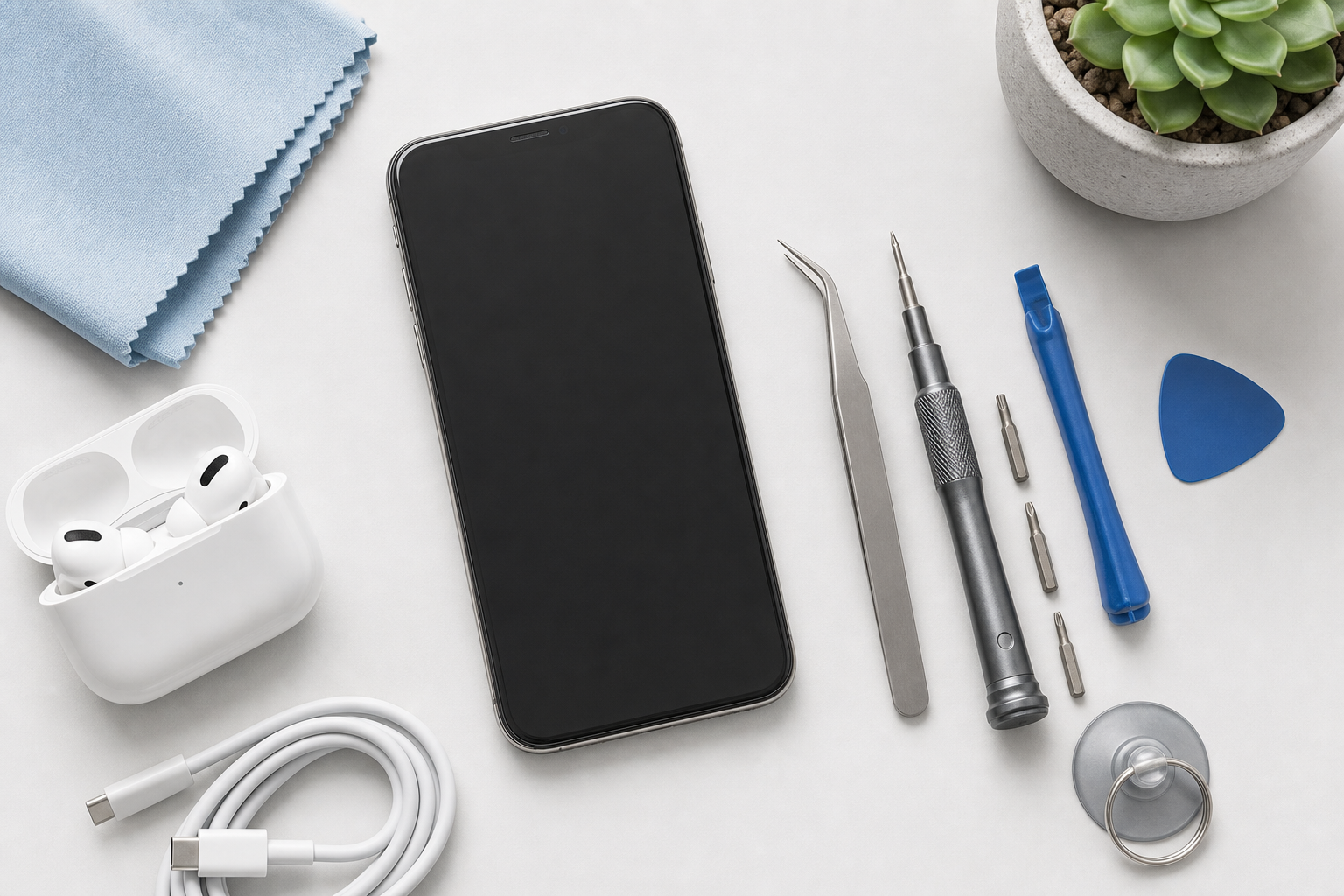
If the phone will not power on, bring any accessories that may help the technician diagnose the issue, like a known-good charger or cable.
- Charge the phone if possible.
- Bring the charger or cable you normally use.
- Write down the symptoms you are seeing.
Describe the problem clearly
The more precise your description, the better the diagnosis. Mention when the issue started, whether the device was dropped or exposed to water, and whether the problem is constant or intermittent.